Mazeh for Mac
Version 1.1.1 · 9.3 MB
- A Mac with Apple silicon
- macOS 27.2 or later
- Apple Intelligence turned on
Translates Hebrew into English, Russian or French. Open Mazeh.dmg, drag Mazeh to Applications, and open it.
Download for MacNow on iPhone too!
On the App Store.
Mazeh is an app for Mac, Windows and iPhone that translates Hebrew. On a computer you point at it and read it in English, Russian or French.
Rest the pointer on Hebrew anywhere on your screen, in a message, a bill or a note from school, and the translation appears on a street sign right under it. No copying, no pasting, no switching apps. On iPhone, select the Hebrew and tap Translate.
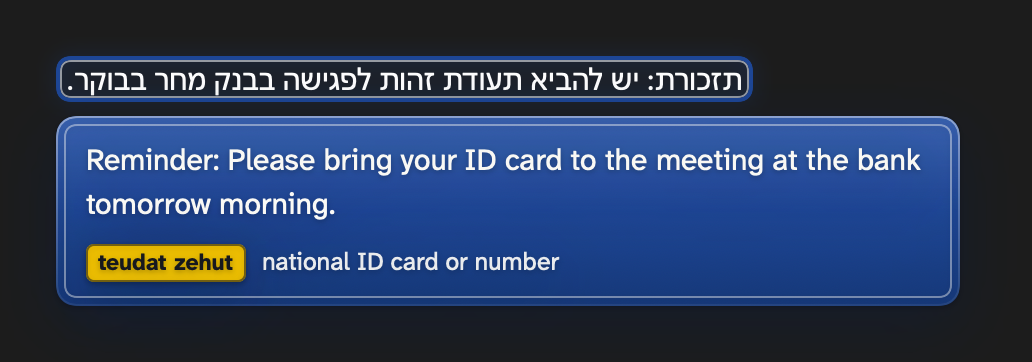
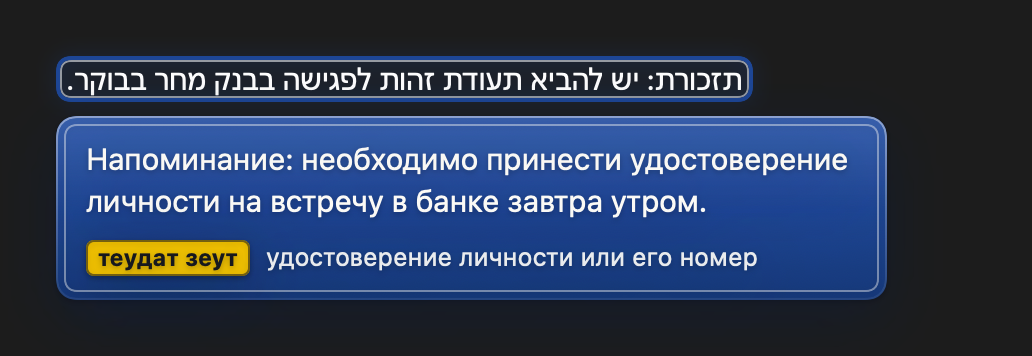
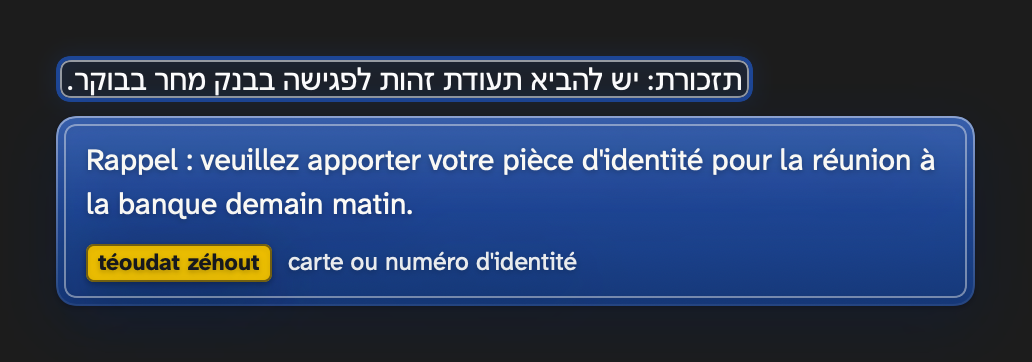
Every picture on this page is drawn by Mazeh itself: by the Mac app, or by the Windows app where it is marked Windows. The words on the signs are what it really answers for that line of Hebrew.
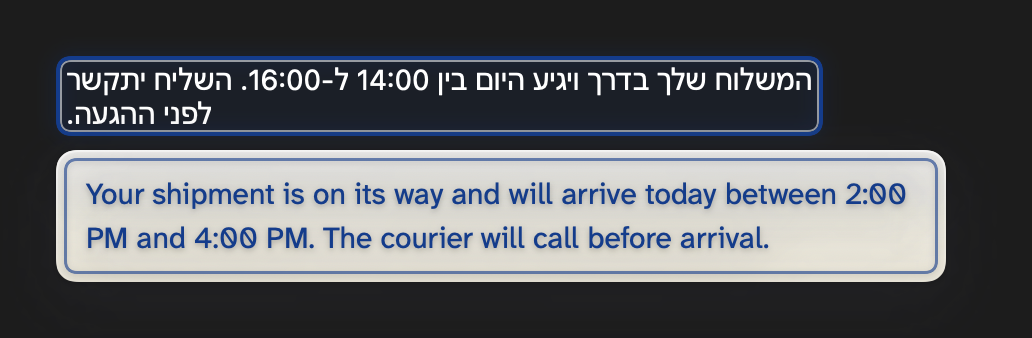
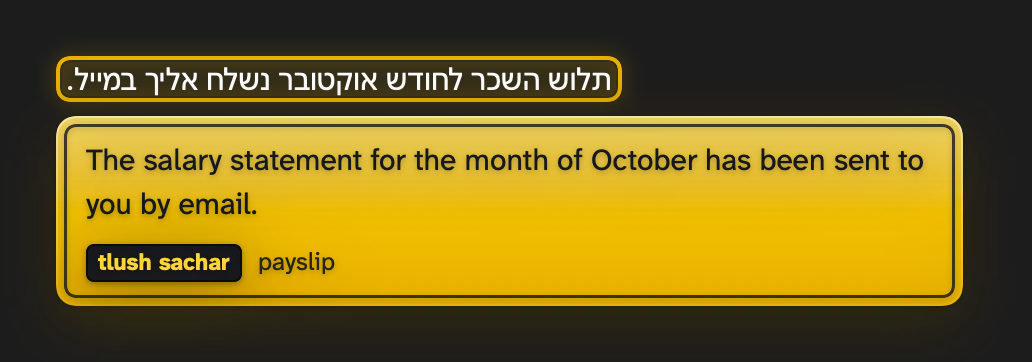
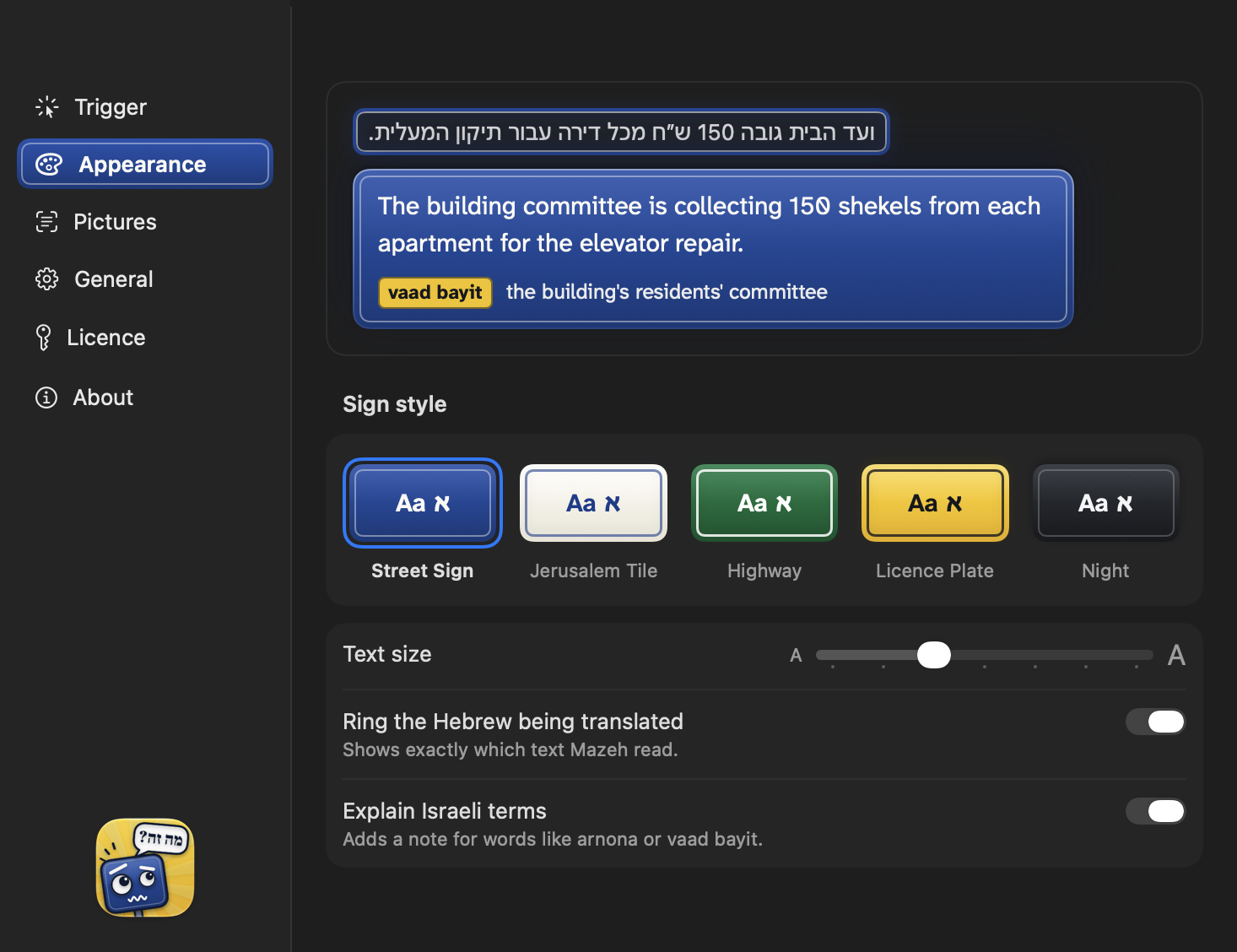
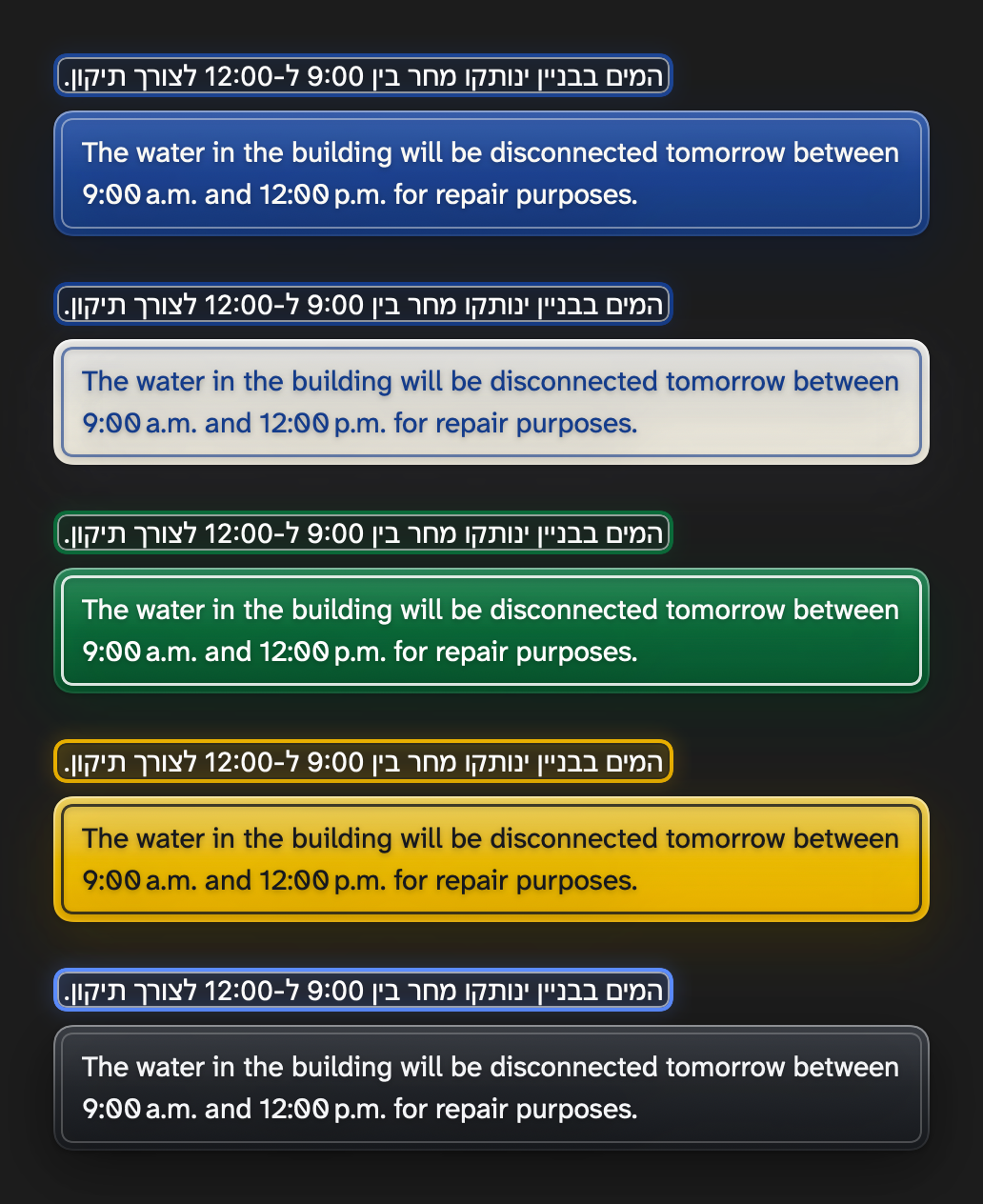
These three are drawn by Mazeh for Windows itself.
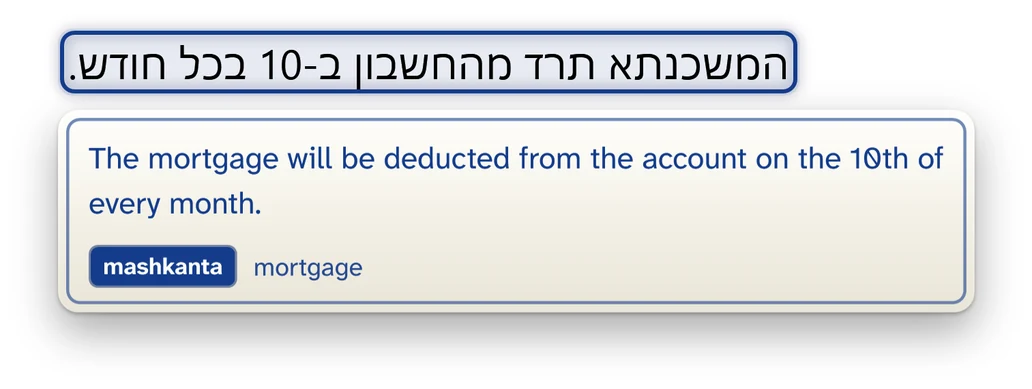
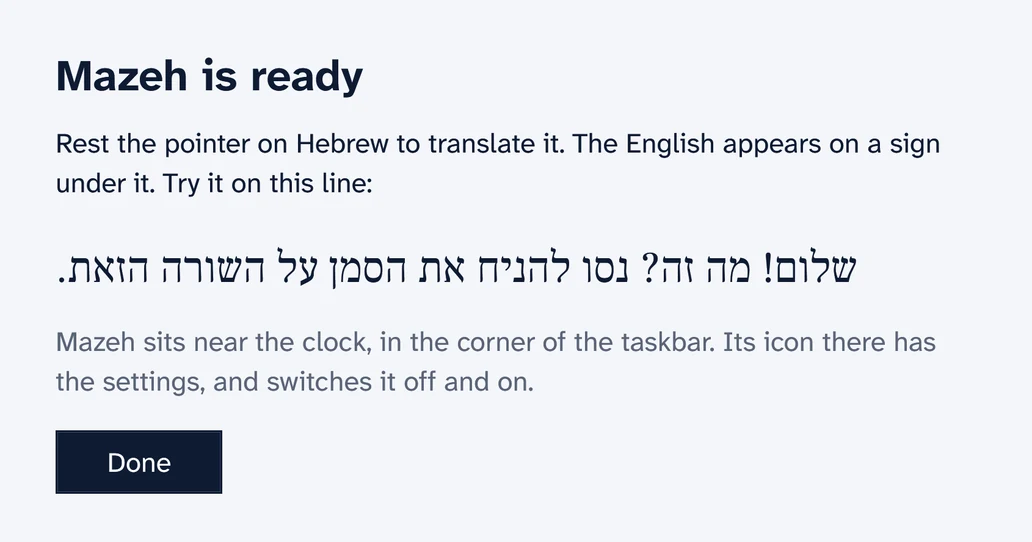
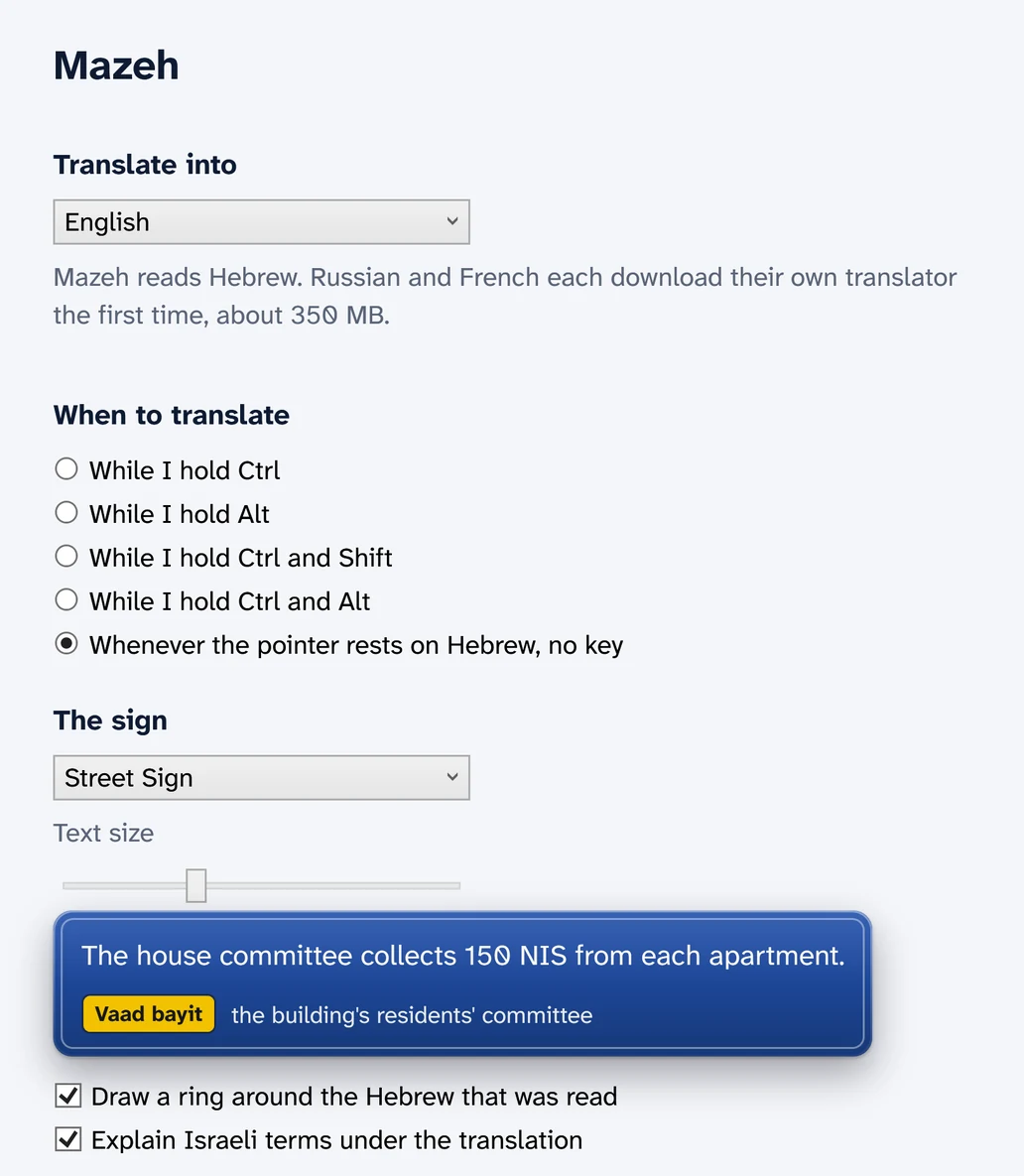
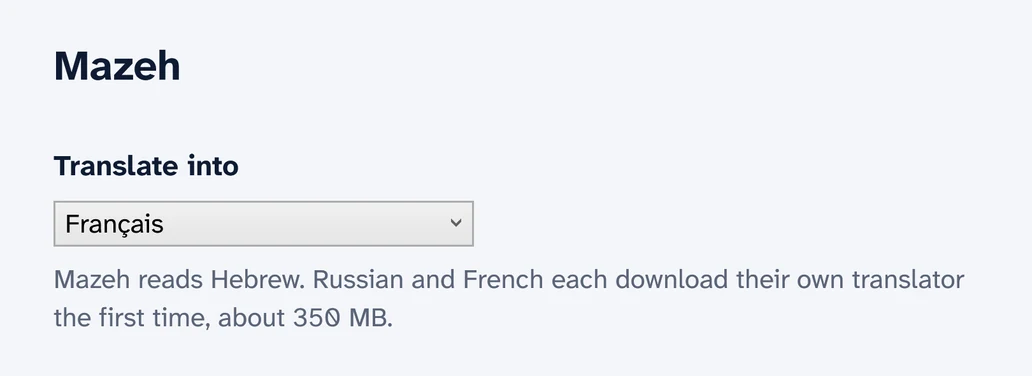
Hebrew goes in. English, Russian or French comes out. Choose once, and every sign speaks your language. The notes on Israeli terms follow it too.
English Русский Français
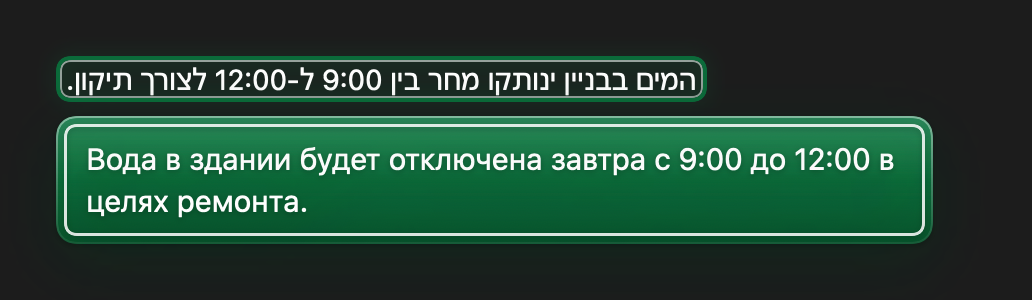
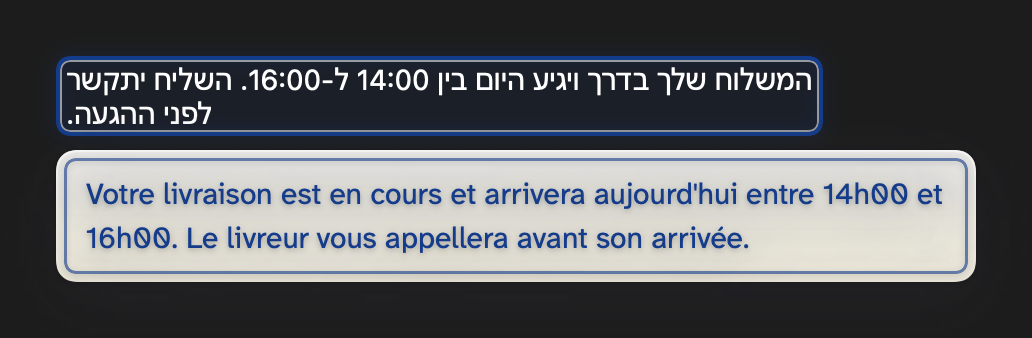
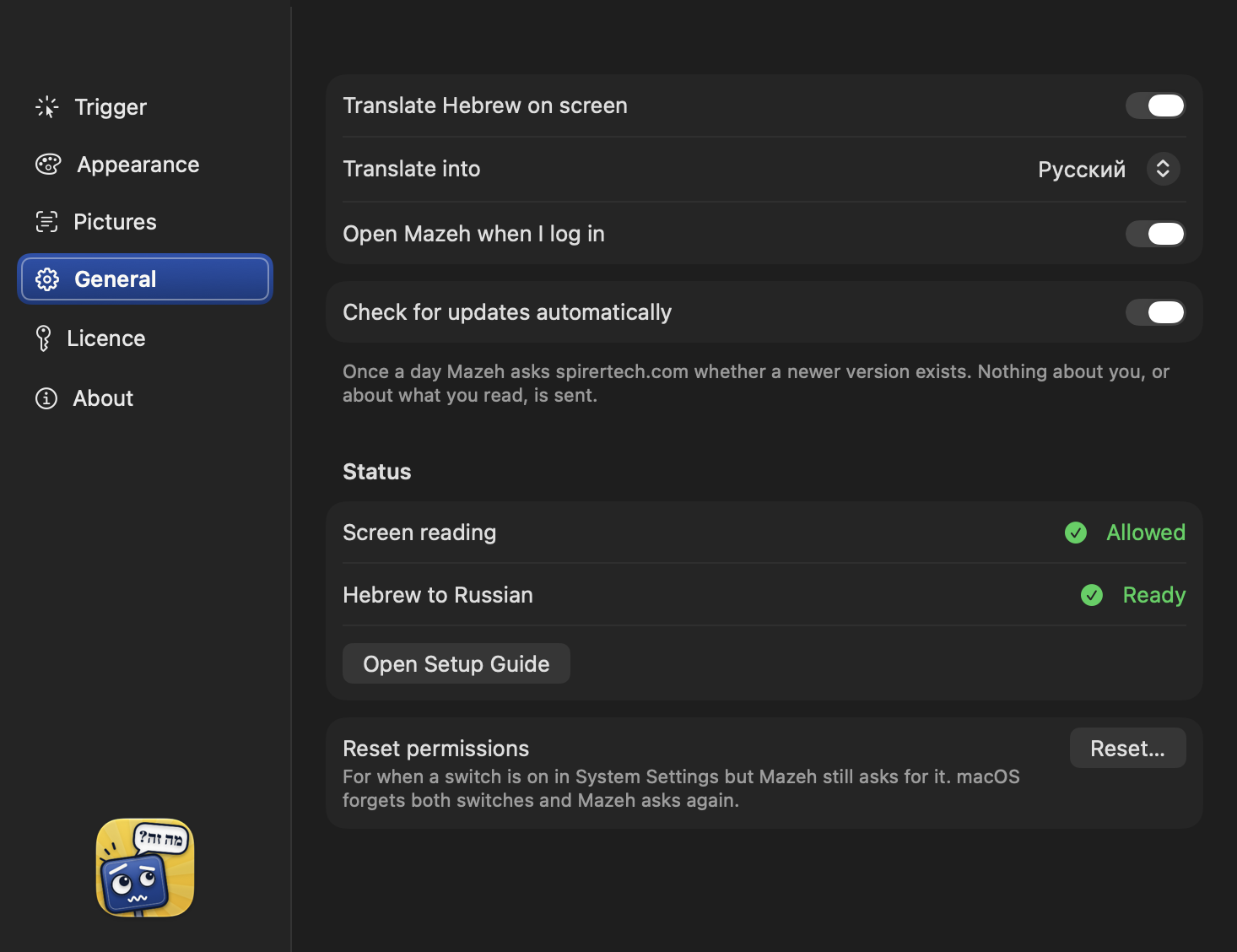
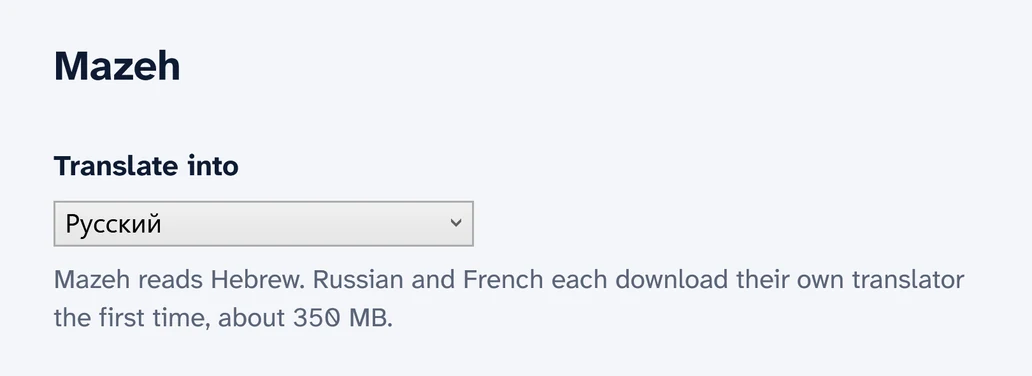
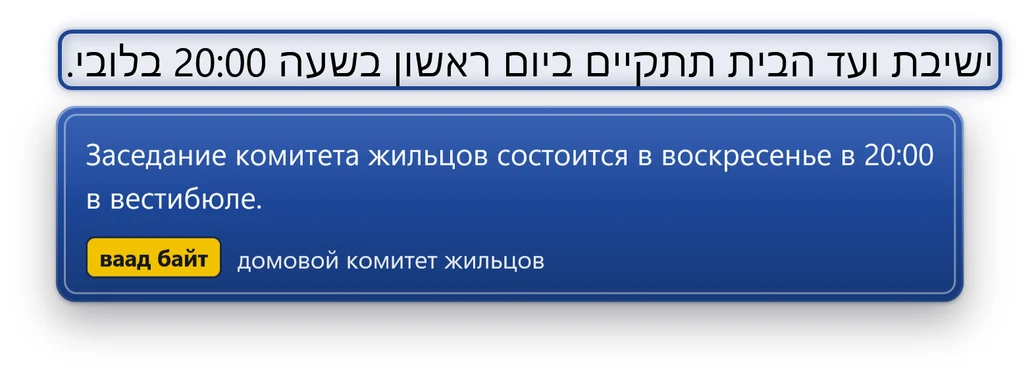
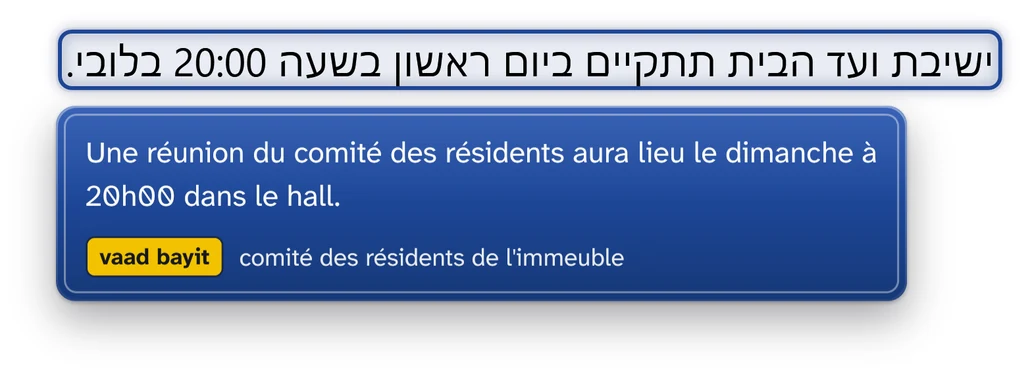
From download to “oh, that's what it says” in three steps, and the third one is the only one you repeat.
Open Mazeh. The first time, it gets itself ready with you: a short setup guide on a Mac, a one-time download on Windows.
Rest the pointer on the text. Prefer a key? Hold one while you point. On a Mac you can also press a shortcut.
The translation appears on a sign under the Hebrew. Move the pointer away and the sign is gone.
The group chat, the letter from the city, the form that will not wait. Typed, or sitting inside a picture.
Works on Hebrew text in apps and on web pages, where the text already is.
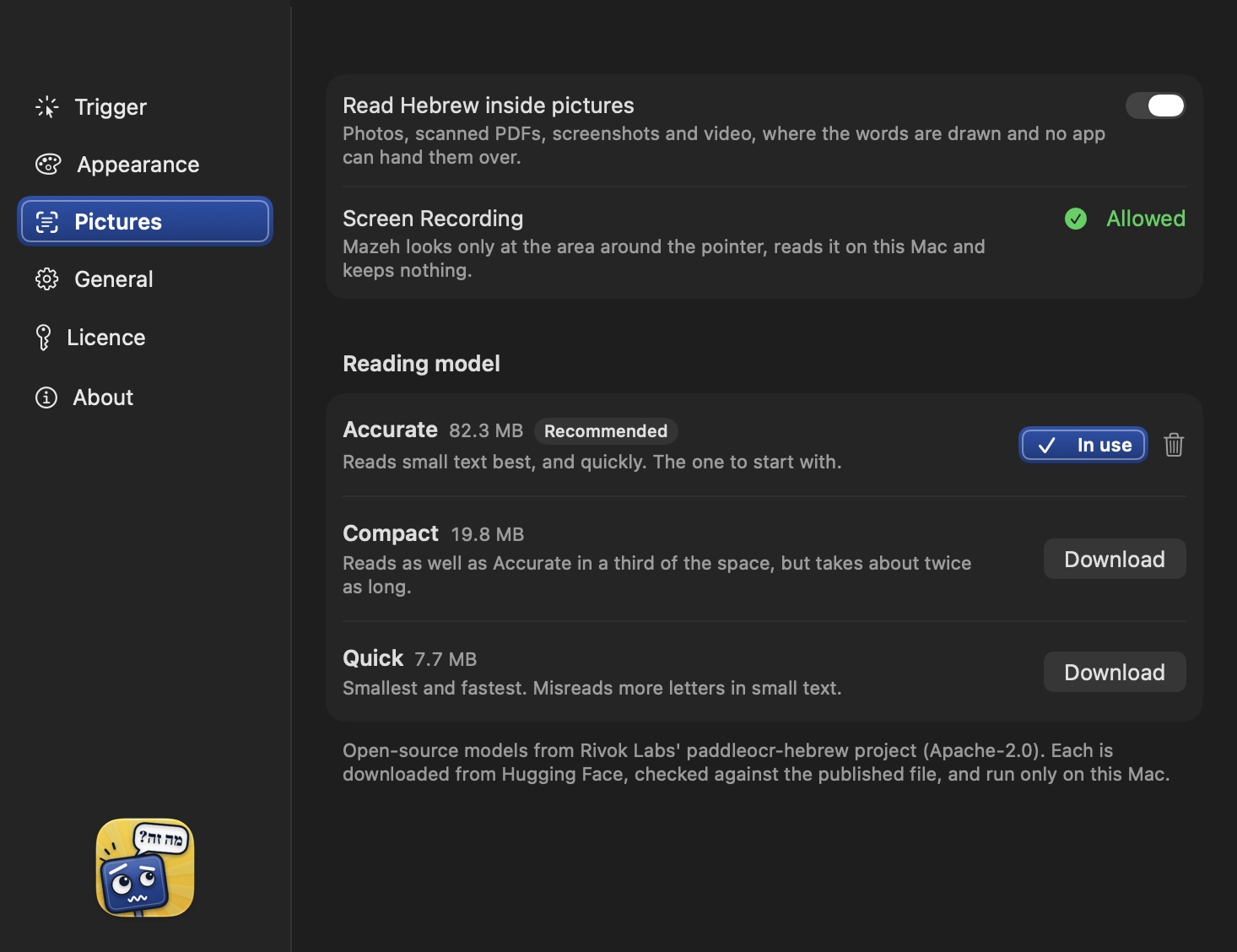
Reads Hebrew that sits inside a picture, too. On a Mac that covers photos and scanned PDFs, once you download a reading model in Settings.
Some words no dictionary helps with. They come with a short note that says what they are.
Need the translation somewhere else? On a Mac, click the sign and it is copied.
Tel Aviv street-corner blue, Jerusalem tile, highway green, licence-plate yellow, or quiet charcoal. Pick yours in Settings.
On a Mac, Mazeh updates itself once it is installed.
Reading and translating happen on your own computer, Mac or Windows. Nothing you point at leaves it.
Two downloads and the App Store. Pick yours.
Version 1.1.1 · 9.3 MB
Translates Hebrew into English, Russian or French. Open Mazeh.dmg, drag Mazeh to Applications, and open it.
Download for MacVersion 1.0.1
Translates Hebrew into English, Russian or French. Russian is a 373 MB download and French 346 MB, fetched when you pick them. Windows asks before running it. Its first run downloads about 450 MB.
Download for WindowsVersion 1.1 · App Store
Select Hebrew in Messages, Safari, Notes and more, then tap Translate. The translation appears on the same street sign. You subscribe inside the app, through the App Store.

You subscribe in your browser through Polar, our reseller, and get a licence key to paste into Mazeh. One key covers up to three of your Macs.
On iPhone, you subscribe inside the app, through the App Store.
Short answers to what people ask first.
Mazeh is an app for Mac, Windows and iPhone that translates Hebrew. On a Mac or a Windows PC, rest the pointer on Hebrew text in an app or on a web page and the translation, in English, Russian or French, appears on a sign right under it. Nothing to select, copy or paste. On iPhone, select the Hebrew in Messages, Safari, Notes and more, and tap Translate. The name comes from the Hebrew question “ma zeh?” (מה זה), “what's this?”
Download and open Mazeh. The first time, it gets itself ready with you: a short setup guide on a Mac, a one-time download on Windows. Then rest the pointer on Hebrew text, or hold a key while you point; on a Mac you can also press a shortcut. The translation appears on a sign under the Hebrew, and goes away when you move the pointer.
Hebrew into English, Russian or French, on both Mac and Windows. You choose once, and can change it whenever you like in Settings. On Windows, each added language is a download when you pick it: 373 MB for Russian and 346 MB for French.
No. Reading and translating happen on your own computer, Mac or Windows, so nothing you point at is sent anywhere. Mazeh goes online for its own downloads, updates and licence, never with what you read. On iPhone, too, translating happens on the phone itself.
For the Mac: a Mac with Apple silicon, macOS 27.2 or later, and Apple Intelligence turned on. On an older macOS, Mazeh says so when it opens.
For Windows: Windows 11, on x64 or ARM64. The first time it opens, it downloads its translator and its picture reader, about 450 MB.
For iPhone: an iPhone with Apple Intelligence, running iOS 27 or later. Mazeh for iPhone is on the App Store.
Yes. On a Mac, photos, scanned PDFs and screenshots are read once you download a reading model in Settings; there are three to choose from. On Windows, Mazeh reads Hebrew inside pictures on screen, such as a picture on a web page.
$19.99 a year or $2.99 a month. Yearly saves 44% compared with 12 monthly payments.
You subscribe in your browser through Polar, our reseller, and get a licence key to paste into Mazeh. One key covers up to three of your Macs.
On iPhone, you subscribe inside the app, through the App Store.
Mazeh is made by Spirer Technology Solutions LLC. Write to support@spirertech.com.
מה זה?
The name is the Hebrew question “ma zeh?”, “what's this?”
Stop guessing what the message says.
Made by Spirer Technology Solutions LLC.
